
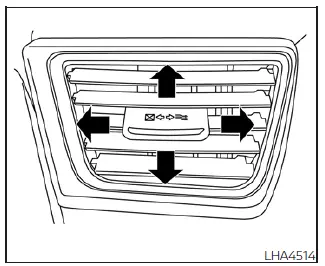
Side vent
You can easily open or close the ventilation airflow by moving the integrated vent slide control in the appropriate direction.
 : This standard symbol indicates that the air vents are currently in the fully closed position.
 : This standard symbol indicates that the air vents are currently open, allowing for maximum cabin airflow.
You can customize the airflow direction coming from the vents by moving the central vent slide control (up/down or left/right) until the air is pointed precisely where you desire.
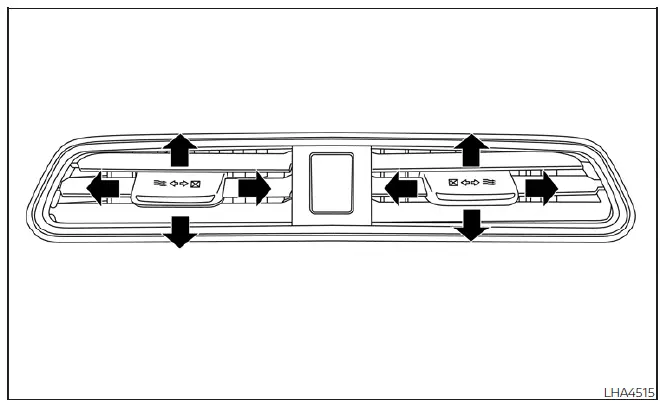
Center Vent
See also
NissanConnect Manual
Please refer to the digital NissanConnect manual by scanning the integrated QR code printed on this page with your smartphone, or consult your…
RearView Monitor
CAMERA button (used to manually trigger the display views or adjust active screen brightness layouts) MENU button (opens up global display…
Intelligent Around View Monitor
CAMERA button (conveniently located on the display bezel to manually cycle through alternative camera views or force start the system) MENU…